
Download fpPS4 – ps4 emulator, windows, free, gamepad support, lightweight, compatibility layer, free pascal
Overview
fpPS4 is a specialized PlayStation 4 emulator designed for Windows, developed as a compatibility layer using the Free Pascal programming language. Its primary purpose is to enable users to run PS4 games on personal computers, offering a pathway for retro gaming and hardware experimentation. The app targets enthusiasts and developers interested in emulation, particularly those with a technical inclination. While it is not a plug-and-play solution, it serves as a valuable tool for users exploring the boundaries of console emulation on PC platforms.
The emulator is positioned within the broader utility category, fulfilling a niche role in the gaming and software development ecosystem. It appeals to individuals who value open-source projects, low-level system interaction, and the technical challenge of setting up complex software. Real-world use cases include testing PS4 game behavior, preserving legacy titles, and experimenting with cross-platform compatibility. Despite its minimal size and early development stage, fpPS4 demonstrates potential as a lightweight alternative in the emulation space, especially for users seeking a minimal footprint and open-source transparency.
The developer, fpPS4 Team, has not provided detailed background information, but the project’s foundation in Free Pascal suggests a focus on efficiency and portability. As a hobby-driven initiative, the emulator reflects a commitment to technical exploration over commercial scalability. The release date of January 26, 2023, marks the initial public availability of version 0.1.1, indicating the project is in an early phase of development.
Key Features & Functionality
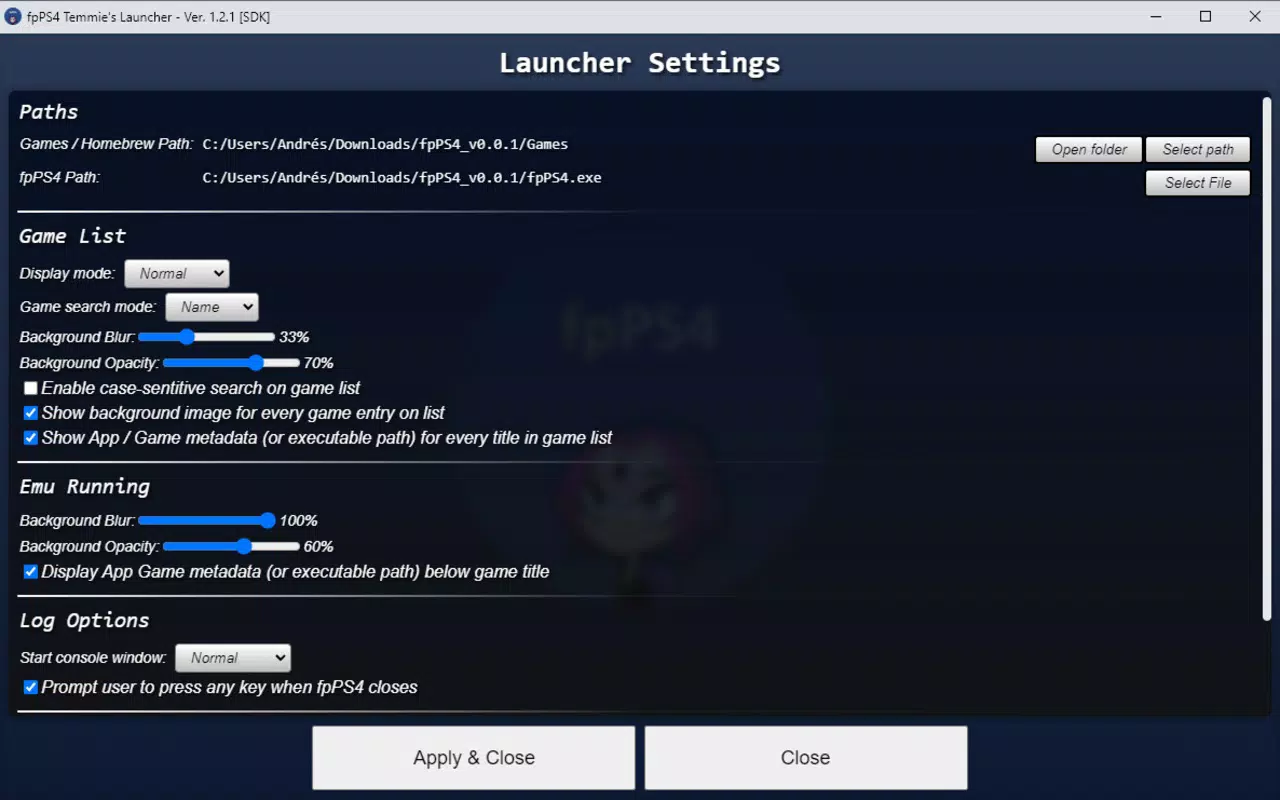
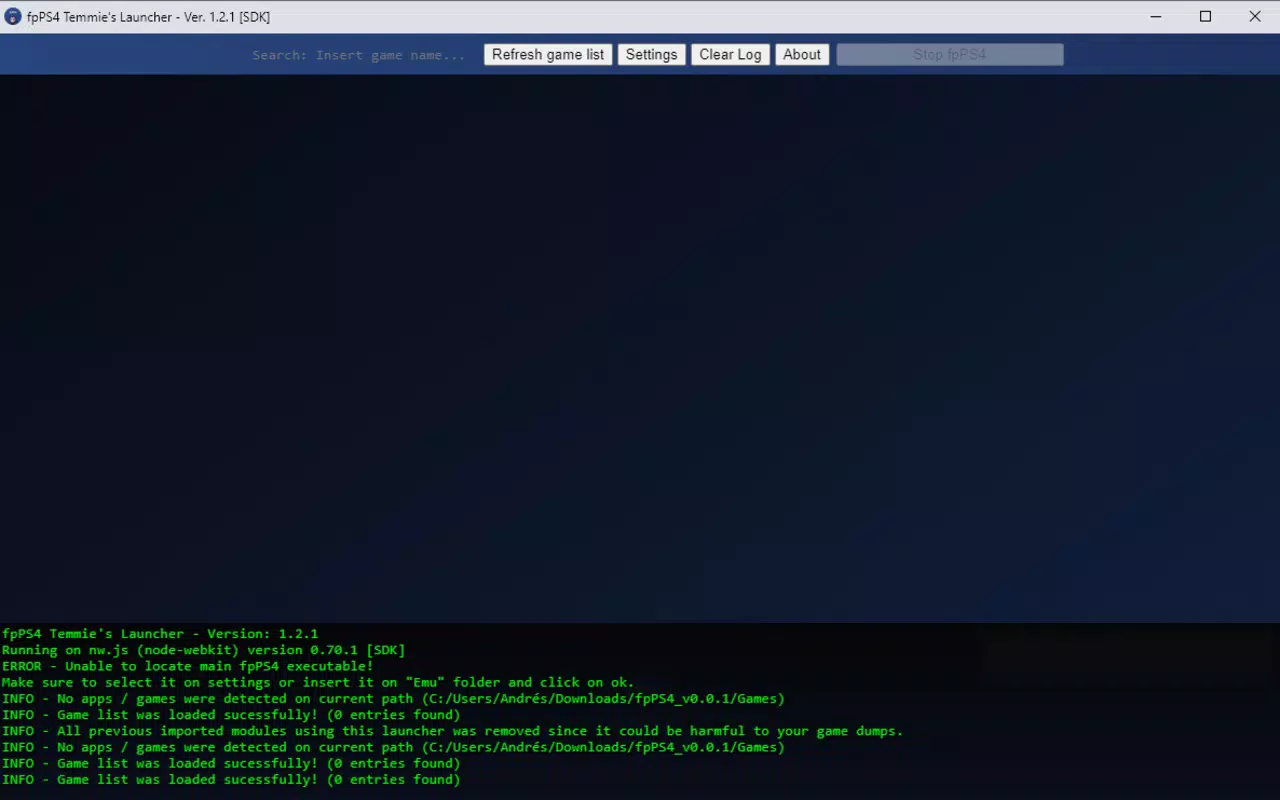
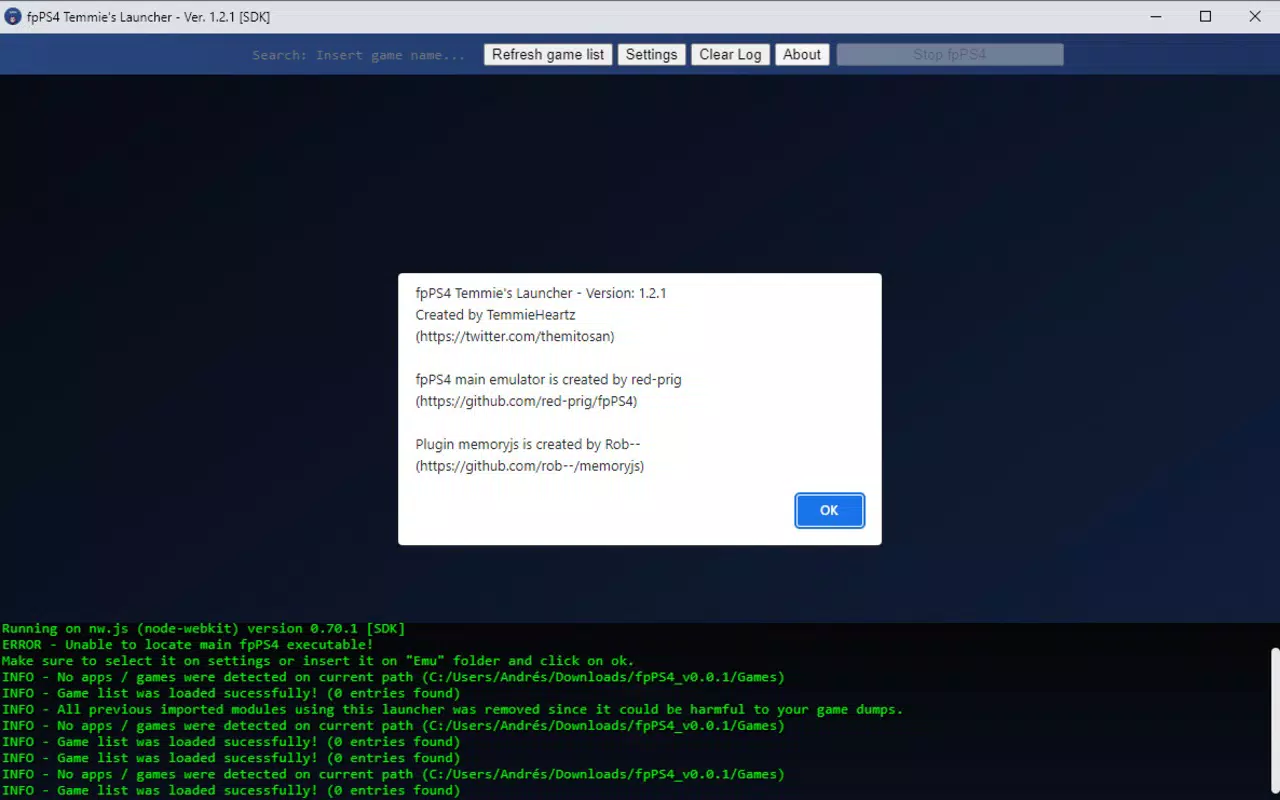
- User-Friendly Launcher Integration: Although the base emulator requires technical setup, users can simplify the process by combining it with a dedicated launcher such as fpPS4 Temmie’s Launcher. When both files are placed in the same directory, the startup procedure becomes significantly more accessible, reducing the barrier for less experienced users.
- Gamepad Compatibility: fpPS4 supports a wide range of gamepads, allowing for seamless control mapping. This feature enhances the gaming experience by enabling intuitive input, particularly for titles designed for console controllers. Remapping options are available, ensuring compatibility with Xbox-style, DualShock, and other standard gamepad configurations.
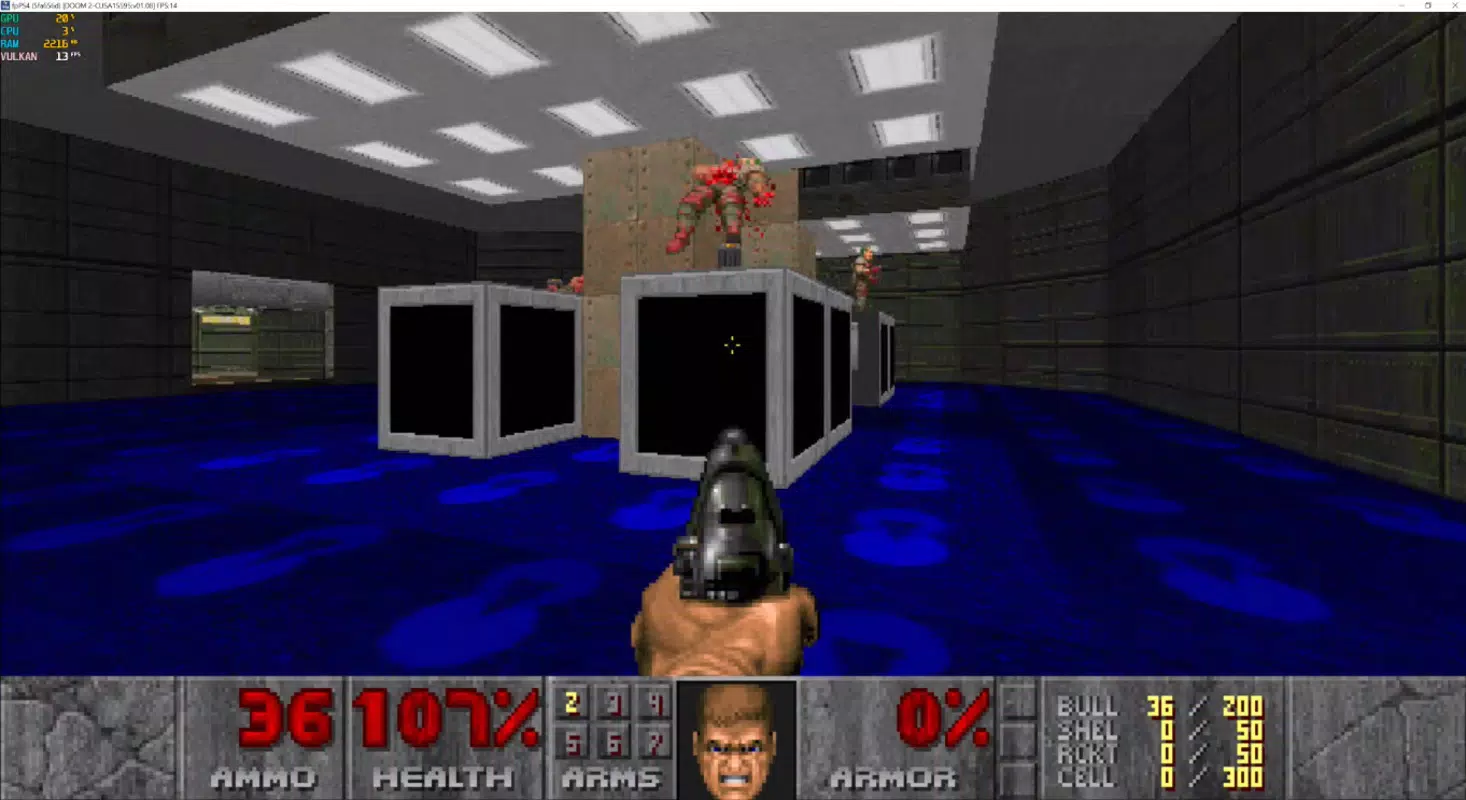
- Extensive Game Compatibility: The emulator maintains a growing library of playable PS4 games. New additions are regularly documented on the developer’s official website, allowing users to track progress and plan their gaming sessions accordingly. The compatibility list expands with each update, reflecting ongoing development and optimization.
- Lightweight Design: At just 1.1 MB, fpPS4 is exceptionally compact. This minimal file size contributes to efficient resource usage, making it suitable for systems with limited storage or lower performance. The lightweight nature is a direct result of its design as a compatibility layer, avoiding unnecessary bloat.
These features collectively address the needs of technical users seeking a minimal, efficient, and expandable emulation solution. For example, a developer testing PS4 game behavior can use the emulator with a gamepad and launcher to streamline workflow. Similarly, a hobbyist interested in preserving PS4 titles can leverage the growing compatibility list to explore playable games without dedicated hardware.
Interface, UX & Performance
fpPS4 does not include a traditional graphical user interface (GUI) in its core form. Instead, it operates through command-line or script-based execution, which requires users to manage setup and configuration manually. This design choice reflects its technical nature and focus on compatibility rather than accessibility. The user experience is therefore heavily dependent on external tools, such as the fpPS4 Temmie’s Launcher, which provides a more intuitive entry point.
Navigating the emulator involves placing files correctly, managing dependencies, and executing launch scripts—tasks that demand a basic understanding of file systems and software setup. While the developer did not list formal performance metrics, the lightweight architecture suggests efficient memory and CPU usage, which may contribute to stable operation on mid-tier or older systems. Responsiveness is expected to vary based on host hardware and the specific game being emulated.
Stability is likely to improve with each version as the project matures. Users should anticipate occasional crashes or incomplete functionality, particularly with newer or more demanding titles. Although the developer did not specify minimum OS requirements, the emulator’s compatibility with Windows implies support for modern versions of the operating system. The absence of a GUI limits immediate usability for casual users, but it aligns with the target audience’s technical expectations.
Platform Compatibility & Technical Requirements
fpPS4 is designed exclusively for the Windows platform, with no indication of support for macOS, Linux, or mobile operating systems. The current version, 0.1.1, is available as a standalone executable file with a file size of 1.1 MB. This minimal footprint reflects the emulator’s lightweight architecture and focus on core functionality.
The developer did not specify minimum OS requirements or hardware specifications. However, given its reliance on Free Pascal and the nature of PS4 emulation, users should expect to run it on systems with adequate processing power, RAM, and GPU capabilities. The lack of detailed technical information means compatibility may vary across devices, particularly on older or low-end hardware.
Users should ensure their system supports the execution of compiled Pascal binaries and has access to necessary runtime libraries. The absence of a formal installation package suggests the app is distributed as a portable tool, requiring no setup beyond file placement and script execution.
Pros and Cons
Pros
- Lightweight design with a minimal file size of 1.1 MB
- Open-source foundation using Free Pascal, promoting transparency and customization
- Supports a wide range of gamepads with remapping capabilities
- Regular updates and expanding game compatibility list
- Available at no cost, making it accessible for hobbyists and developers
Cons
- Limited usability due to lack of a built-in graphical interface
- Setup process requires technical knowledge and manual configuration
- Compatibility information was not fully disclosed
- Performance and stability may vary depending on host system and game
- Requires external tools like a launcher for improved user experience
FAQ
Is fpPS4 safe to download and use?
Yes, fpPS4 is distributed as a free, open-source tool. As long as it is downloaded from the official developer website, it is considered secure. Users should avoid third-party sources to prevent potential tampering.
Can I play PS4 games on my PC using fpPS4?
Yes, fpPS4 is designed to emulate PS4 games on Windows. However, success depends on the game’s compatibility, which is still being developed. A growing list of playable titles is maintained by the developer.
Do I need a gamepad to use fpPS4?
While keyboard input is supported, a gamepad is recommended for optimal gameplay. The emulator supports most standard gamepads and allows full control remapping for better comfort and precision.
Is fpPS4 free to use?
Yes, fpPS4 is available at no cost. It is distributed as a free tool for educational and experimental purposes.
What should I do if fpPS4 doesn’t launch?
Ensure that all required files, including the launcher if used, are placed in the same folder. Check for missing dependencies or runtime libraries. Refer to the official documentation or developer website for troubleshooting steps.
Final Thoughts
fpPS4 represents a promising, lightweight entry in the world of PS4 emulation, built with technical precision and open-source integrity. While it is not designed for casual users, it offers significant value to developers, retro gaming enthusiasts, and those interested in the inner workings of console emulation. Its compact size, gamepad support, and growing compatibility make it a compelling option for technical users willing to invest time in setup.
Though the lack of a GUI and complex installation process may deter beginners, the availability of a dedicated launcher helps bridge the usability gap. As the project evolves, further improvements in stability and compatibility are expected. For those seeking a free, efficient, and customizable PS4 emulator on Windows, fpPS4 stands out as a strong contender.
Download fpPS4 now


